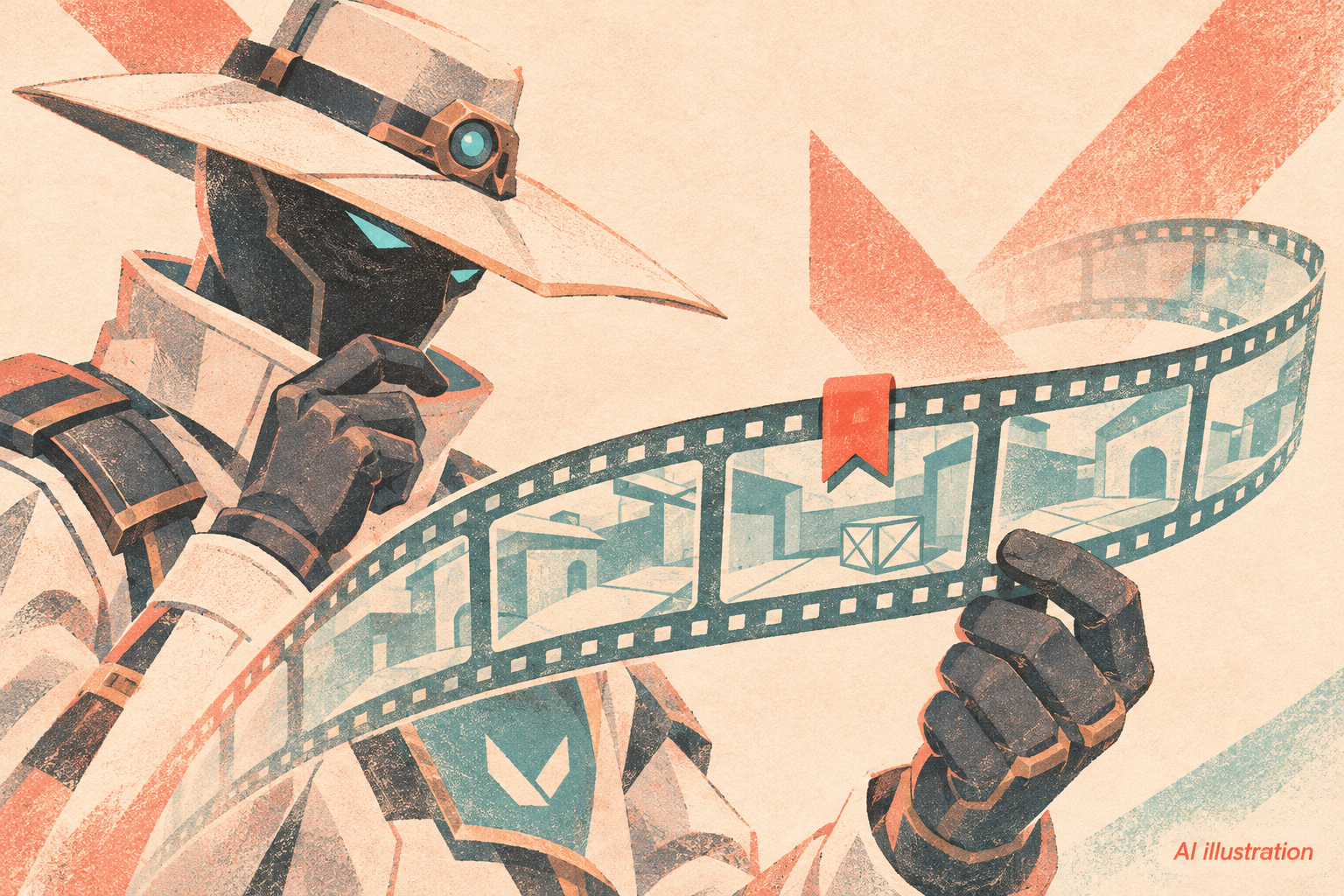
VALORANT now lets players bookmark moments during a match and find them again in a replay. Riot introduced the feature in its November 10 patch 13.10 notes, but PC players have one setup step: the shortcut starts unassigned.
Set the control before your next match
On PC, go to Settings → Controls → Interface → Replay Bookmarking and choose a key. Use it during play to mark a moment for later review. Console players instead have a new bookmark button in the in-game Options Menu.
The feature gives you a way to flag a questionable rotation or a fight worth revisiting while it is still fresh, rather than trying to remember the round afterwards.
Your marks do not become team annotations
Bookmarks are visible only to the player who creates them. Someone else watching the replay will not see your markers, so a teammate reviewing the same match still needs you to identify the moment you want to discuss.
Find more patch coverage in our VALORANT hub.