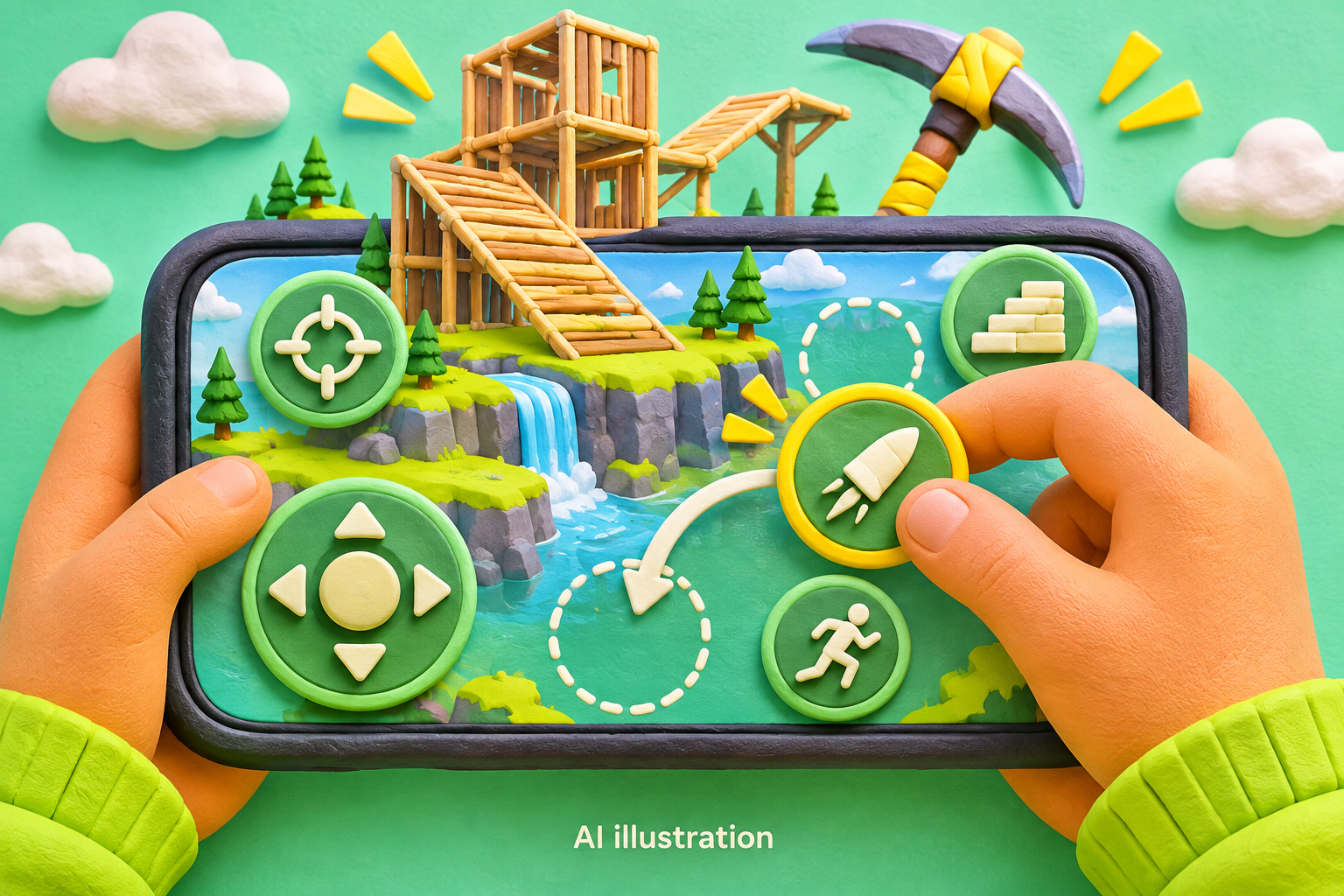
Fortnite island creators can preserve a mobile player’s chosen touch-button position with a new HUD Controller setting in version 43.10. Epic’s November 12 release adds Respect Player Transform to the Touch Control Layout Override.
A default position, not a forced one
The option is available only when Apply Canvas Transform is enabled. With Respect Player Transform switched on, the creator’s placement becomes the starting position; a player who moves the button can override it. Layout changes apply immediately during play.
The setting defaults to Off. In that state, the creator’s position continues to take priority. Creators who want to respect custom layouts therefore need to enable the new option deliberately.
A separate option for pickup icons
The same update adds Override Touch Control Pickup Button to the HUD Controller, allowing creators to change the default pickup icon for items. That controls the icon, rather than who determines the button’s position.
These are tools for authored islands, separate from the new PC asset-download option in Fortnite 43.10.